In an earlier post, I installed cert-manager to automatically manage my SSL certificates for TLS for my home-lab services. Given it was a set of services within my internal network, I was comfortable with issuing a single wildcard certificate *.local.kasj.live.
The problem
I've since realised a bit of an issue. The wildcard certificates that are issued are issued as a kubernetes secret resource which is specific to a namespace. This meant that in order for me to use the wildcard cert for all my services, I needed to deploy all my services into the same namespace (not ideal).
The research
Turns out there were many solutions to this, many of which I don't really understand but I tried anyway. This included:
- Installing traefik again with K3s out of the box and getting it to issue certs through Let's Encrypt without cert-manager. This didn't seem to change the behaviour I was experiencing before.
- Storing the wildcard secret in a persistent volume for cert-manager to pick up as a "default" certificate when nothing else was provided. Unfortunately I couldn't get the persistent volume to work either
The solution
I landed with a solution outline here and it still doesn't work how I want it to but its definitely a step forward.
The first few steps are exactly as I'd performed in my earlier post:
- Install Traefik
- Install Cert-Manager
- Set up Let's Encrypt as an Issuer
This is where I learnt something new:
- Issue a wilcard certificate in the same namespace as Traefik in my case this was the
kube-systemnamespace - I also issued myself a new one here to keep things fresh*.home.kasj.live
---
apiVersion: cert-manager.io/v1
kind: Certificate
metadata:
  name: wildcard-home-kasj-live
  namespace: kube-system
spec:
  secretName: wildcard-home-kasj-live-tls
  issuerRef:
    name: letsencrypt-production
    kind: ClusterIssuer
  # commonName: "*.home.kasj.live"
  dnsNames:
    - "home.kasj.live"
    - "*.home.kasj.live"
Traefik by default normally uses its own self-signed certificate for each ingress service that you define. What I needed to configure was something to tell Traefik to serve the new wildcard certifate I'd created instead. This can be done through a kubernetes resource called TLSStore.
- Create a TLSStore resource with the name
default. According to the article above, it needed to be called default to be picked up by Traefik by default:
---
apiVersion: traefik.containo.us/v1alpha1
kind: TLSStore
metadata:
  name: default
  namespace: kube-system
spec:
  defaultCertificate:
    secretName: wildcard-home-kasj-live-tls"
- Restart Traefik deployment so that it knows to pick up the new cert by default
Testing the new solution
To test if Traefik was issuing my new wildcard certificate by default, I created a simple nginx server and exposed it using the following manifest on test.home.kasj.live:
---
apiVersion: networking.k8s.io/v1
kind: Ingress
metadata:
  name: nginx
  namespace: nginx
  annotations:
    kubernetes.io/ingress.class: traefik
    traefik.ingress.kubernetes.io/redirect-entry-point: https
spec:
  rules:
    - host: test.home.kasj.live
      http:
        paths:
          - backend:
              service:
                name: nginx
                port:
                  number: 80
            path: /
            pathType: Prefix
Note: I've moved away from the IngressRoute resource to Ingress
Success!
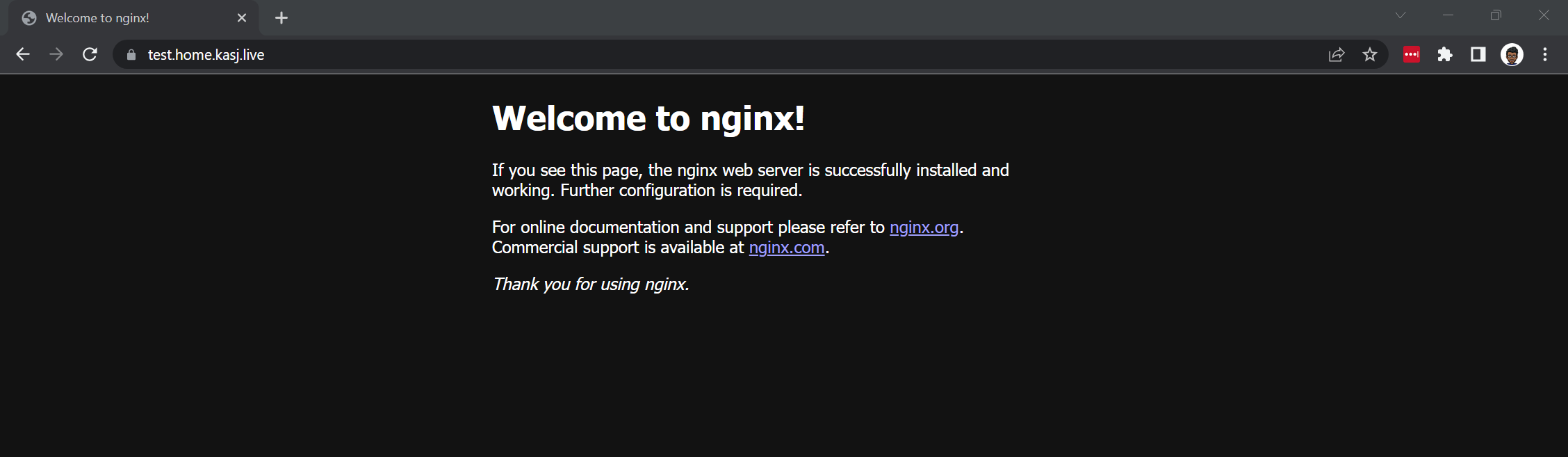
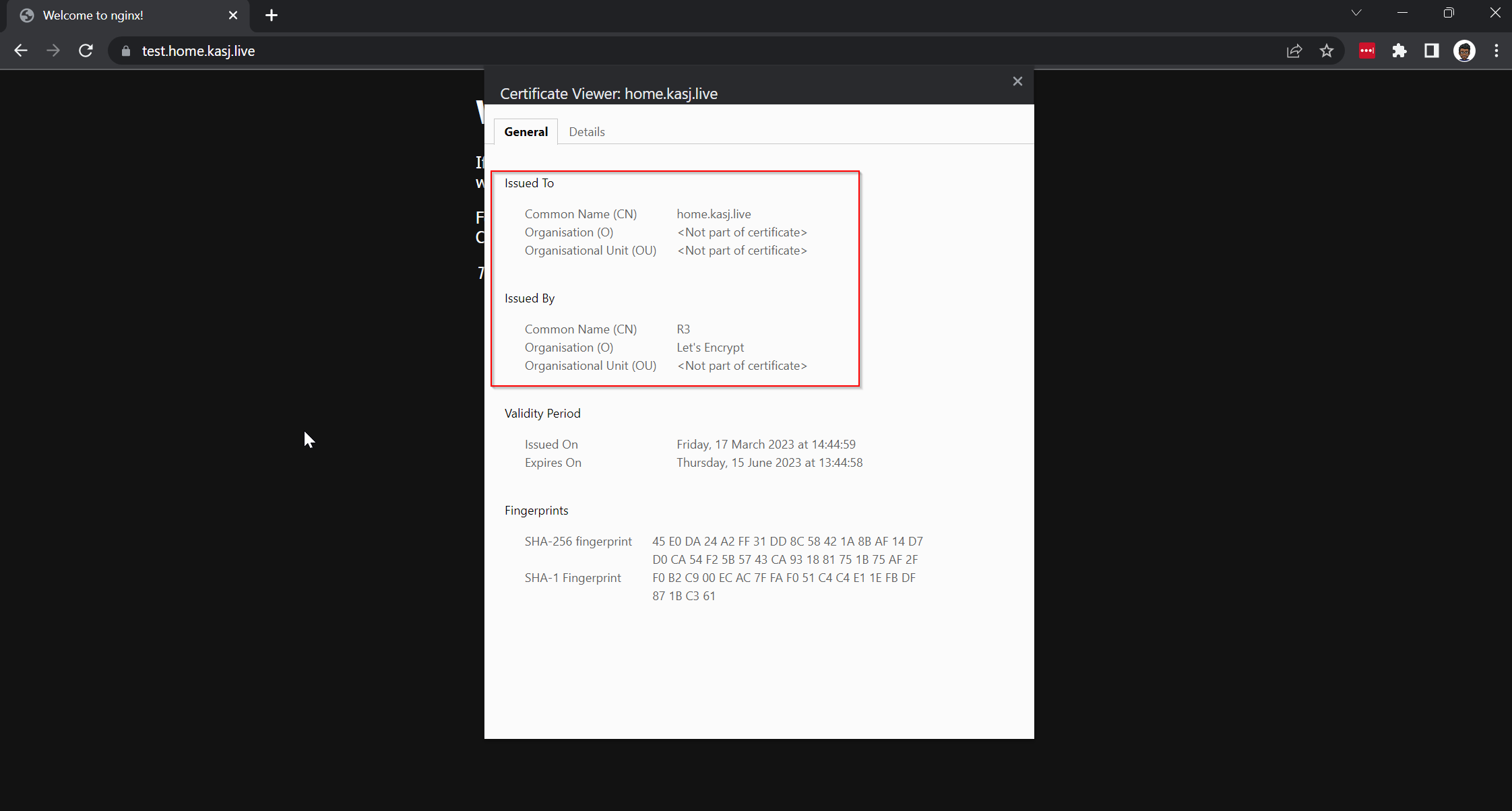
Now earlier, I mentioned it still wasn't working as I wanted it to and that's because there is still an issue with some services that already expose their services on SSL/HTTPS (Port 443) by default like nextcloud. Stay tuned for a future post on how I tackle that one but for now I'm going to enjoy this win.